
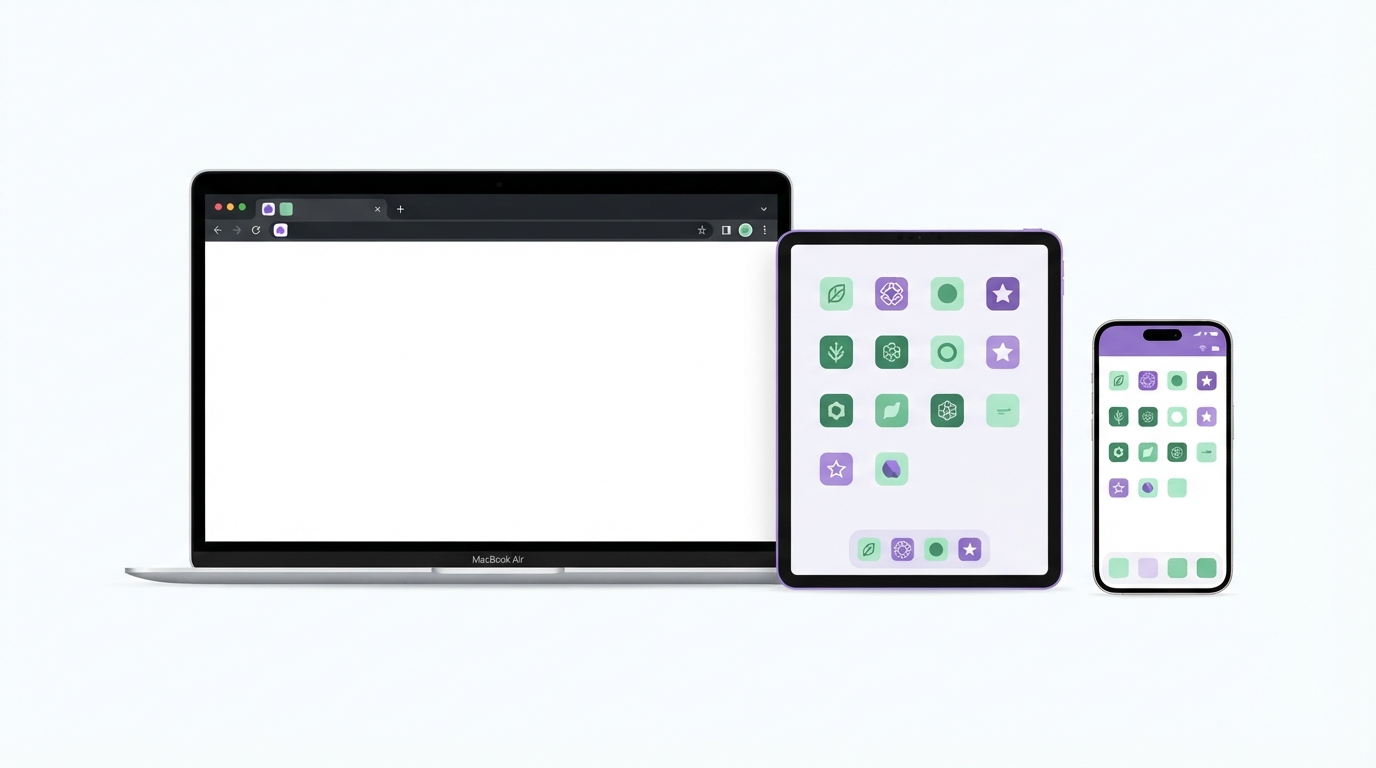
The right favicon size depends on where the icon appears. A browser tab needs a tiny 16 or 32 pixel image, an iPhone home screen needs 180 pixels, and an installed Android web app wants 512. This guide lists every size that still matters, the ones you can drop, and the exact HTML to add, so your icon looks sharp everywhere without a folder of twenty redundant files.
The short answer: the files you actually need
Most favicon advice online dates from a time when every device wanted its own size. Modern browsers and operating systems scale icons well, so six files cover nearly every case for a normal website.
File | Size | Where it shows up |
|---|---|---|
| 32x32 (optionally with 16x16 and 48x48 inside) | Browser tabs, bookmarks, older browsers, tools that request |
| Vector, scales to any size | Tabs in modern browsers, high-density screens |
| 180x180 | iPhone and iPad home screen, Safari bookmarks |
| 192x192 | Android home screen, Chrome install prompt |
| 512x512 | Android splash screen and install dialogs |
| 512x512 with padding | Android launchers that crop icons into circles or squircles |
The rest of this article explains each one, so you can decide what your own site needs.
Browser tab favicons: ICO, SVG and PNG
Browsers draw the tab icon at 16x16 CSS pixels. On a high-density screen, which now includes most laptops and phones, that is 32 or more physical pixels. This is why 32x32 is the practical minimum for any raster favicon.
favicon.ico
When a page declares no icon, browsers request /favicon.ico from the site root. So do many RSS readers, chat apps building link previews, and various crawlers. Keeping a favicon.ico in the root is cheap insurance.
ICO is a container format, so one file can hold several sizes. A single 32x32 image works in current browsers. Adding 16x16 and 48x48 versions inside the same file helps Windows shortcuts and older software pick a sharper image. If you have a PNG, the Image Converter can turn it into an ICO.
SVG favicon
An SVG favicon is one vector file that stays sharp at every pixel density. It can also contain a CSS media query, so the icon changes colour when the browser is in dark mode. Chrome, Edge and Firefox support SVG favicons, but Safari added support much later than the others, so always keep the ICO as a fallback. The Dynamic SVG Favicon tool builds light and dark versions in one file, and our guide to dynamic SVG favicons with dark mode media queries covers the code in detail.
PNG favicons at 16x16 and 32x32
Older guides recommend separate PNG files at 16x16 and 32x32. With an ICO and an SVG in place they add very little. Include a 32x32 PNG only if your CMS or build tool expects one.
Apple touch icon size for iOS and iPadOS
When someone adds your site to the home screen on an iPhone or iPad, iOS uses the apple-touch-icon. Provide one PNG at 180x180. That matches the largest iPhone home screen icon at 3x density, and iOS scales it down for iPads and older devices. The old list of 57, 72, 114, 120, 152 and 167 pixel versions is no longer needed.
Three rules make the difference between a tidy icon and an odd-looking one:
Use a solid background. Transparent areas are usually shown as black on the home screen.
Do not round the corners yourself. iOS applies its own corner mask, and pre-rounded corners leave visible gaps.
Leave some breathing room. Keep the logo away from the edges so it does not crowd the rounded corners.
If a page declares no touch icon, iOS still looks for /apple-touch-icon.png in the root. Using that exact filename in the root covers both situations.
This applies to websites only. Native iOS apps use a 1024x1024 source image in Xcode, plus dark and tinted variants. If that is what you are building, see iOS 18 light, dark and tinted app icons in Xcode 16.
Android and installed web apps
Chrome on Android reads icons from the web app manifest, a small JSON file linked from your pages. Two sizes matter:
192x192 for the home screen icon.
512x512 for the splash screen shown while the app opens, and for install dialogs.
Chrome looks for both sizes before it will offer to install a site as an app, so include them even if you never plan to promote installation.
Maskable icons
Android launchers crop icons into circles, squircles or rounded squares depending on the device. A normal icon gets shrunk and placed on a white shape, which often looks out of place. A maskable icon solves this by filling the whole square with your background colour and keeping the important part inside a safe zone: a centred circle whose diameter is 80% of the icon width. On a 512x512 icon that circle is about 410 pixels across.
Mark the file with "purpose": "maskable" in the manifest, and keep a regular icon too. The Android Adaptive Icons tool shows the safe zone while you design. For native Android apps, which use separate foreground and monochrome layers, read designing Material You adaptive icons and safe margins.
Favicon size for Google Search results
Google shows your favicon next to your site name in search results. Its Search Central documentation asks for a square icon and recommends making it larger than 48x48 pixels. A multiple of 48, such as 96x96 or 144x144, is a safe choice because it scales cleanly. SVG is also accepted.
Google's wording on this has changed over the years, so check the current favicon page in its documentation before you rely on a specific number. In practice, if your homepage links an SVG or a PNG of 192 pixels or more, you meet the requirement. The icon also needs to be crawlable, so do not block it in robots.txt. For how the icon affects clicks, see how your favicon affects Google search snippets and CTR.
Sizes you can safely skip
Many generators still output these files. They do no harm, but each one is another tag in every page and another file to update when you rebrand.
Apple sizes 57, 60, 72, 76, 114, 120, 144, 152 and 167. The 180x180 icon covers them all.
mstile images and browserconfig.xml. These served Windows Start tiles for Internet Explorer 11 and the old version of Edge.
Safari pinned tab mask-icon. Current Safari uses your regular favicon for pinned tabs.
Early Android sizes such as 36, 48, 72, 96 and 144. The 192 and 512 manifest icons replace them.
Opera Coast 228x228 and similar one-off sizes for browsers that are no longer maintained.
The HTML and manifest code to add
Put the files in your site root and add these four lines to the head of every page:
<link rel="icon" href="/favicon.ico" sizes="32x32">
<link rel="icon" href="/icon.svg" type="image/svg+xml">
<link rel="apple-touch-icon" href="/apple-touch-icon.png">
<link rel="manifest" href="/manifest.webmanifest">
The sizes="32x32" on the ICO line helps Chrome choose the SVG instead of the ICO when both are available. Then create manifest.webmanifest:
{
  "name": "Your Site",
  "short_name": "Site",
  "icons": [
    { "src": "/icon-192.png", "type": "image/png", "sizes": "192x192" },
    { "src": "/icon-512.png", "type": "image/png", "sizes": "512x512" },
    { "src": "/icon-maskable-512.png", "type": "image/png", "sizes": "512x512", "purpose": "maskable" }
  ],
  "theme_color": "#ffffff",
  "background_color": "#ffffff",
  "display": "standalone"
}
If you use the Next.js App Router, the framework can generate these tags from files in the app directory instead. Our article on favicons and Open Graph assets in Next.js 14 and 15 explains the file conventions.
How to check your favicons work
Open
yourdomain.com/favicon.icoin a browser. You should see the icon, not a 404 page.In Chrome, open DevTools, go to the Application tab and select Manifest. It lists each icon and flags missing sizes. Tick the option to show the minimum safe area to check your maskable icon.
Switch your operating system to dark mode and look at the tab. Dark logos can disappear against a dark tab bar. The Dark Mode Favicon tool helps if yours does.
On an iPhone, open the site in Safari, tap Share, then Add to Home Screen. On Android, use the Chrome menu and choose Add to home screen or Install app.
If an old icon keeps appearing, test in a private window. Browsers cache favicons for a long time, and adding a version query such as
?v=2to the file paths forces a fresh download.
Designing an icon that works at 16 pixels
Start from a large source, either an SVG or a PNG of at least 512x512, and scale down. Never scale a small image up, because it will blur.
Detail that looks fine at 512 pixels vanishes at 16. Thin lines, taglines and fine gradients turn into grey smudges. A bold shape, a single letter or a two-letter monogram reads far better. Check it at actual size on a normal screen, not zoomed in.
If your logo is not square, crop it first with Crop Image, or use the logo's symbol alone without the wordmark. The Favicon & App Icon Studio lets you design the icon once and download every size listed above, including the ICO, the touch icon and the manifest images.
Summary
Browser tabs:
favicon.icoat 32x32 plus an SVG.iOS and iPadOS: one 180x180 PNG with a solid background and square corners.
Android and installable web apps: 192x192 and 512x512 PNGs in the manifest, plus a 512x512 maskable version with an 80% safe zone.
Google Search: a square icon larger than 48x48, which the files above already cover.
Skip the long list of legacy Apple, Windows tile and early Android sizes.
Test the ICO URL, the manifest in DevTools, dark mode tabs and an actual home screen install.