
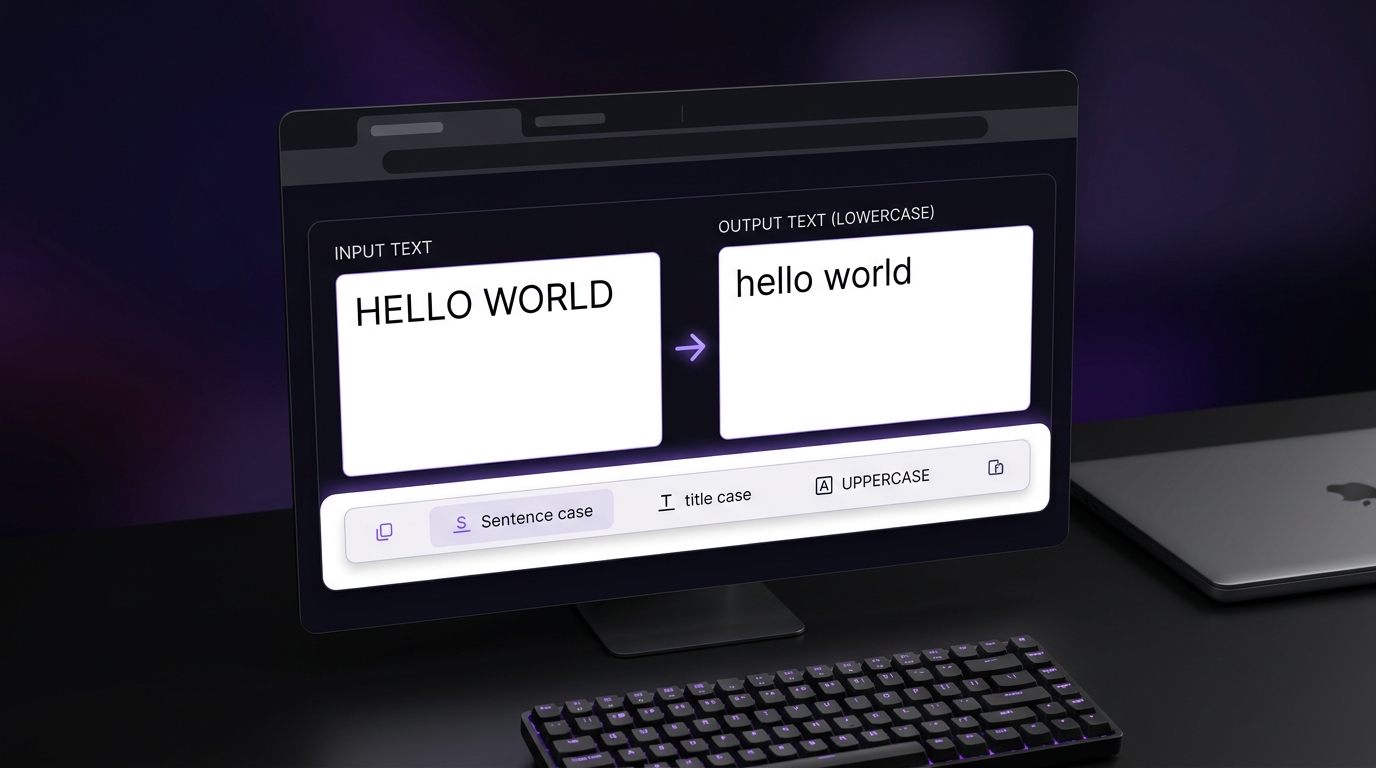
Need to use an uppercase to lowercase converter without retyping everything? Paste your text into the converter above, click a button, and copy the result. You can also convert lowercase to uppercase, fix text typed with Caps Lock on, and change text to sentence case, title case, and more. This guide explains which case to choose and how to change text case in Microsoft Word, Google Docs, and Excel.
How to Change Uppercase to Lowercase (and Back)
Changing case takes four steps, and they are the same whichever direction you need:
Paste or type your text into the box. It can be a single sentence or a whole document.
Choose a case. Click "lowercase" to change uppercase to lowercase, or "UPPERCASE" to convert lower to upper case.
Check the result. The converted text appears instantly, so skim it for names and acronyms that may need fixing (more on that below).
Copy or download it. Use the copy button to paste the text wherever you need it, or download it as a file.
For example, pasting NEW OFFICE HOURS START MONDAY and clicking "lowercase" gives you new office hours start monday. Clicking "UPPERCASE" on that result takes you back.
Text Case Options Explained, With Before-and-After Examples
The converter offers seven cases. Here is what each one does at a glance, followed by details on the ones people most often confuse.
Case | Input | Output | Best for |
|---|---|---|---|
lowercase | NEW OFFICE HOURS FOR MR. SMITH | new office hours for mr. smith | Fixing Caps Lock text, filenames, URL slugs |
UPPERCASE | meeting moved to room 4b | MEETING MOVED TO ROOM 4B | Labels, warnings, acronyms |
Sentence case | NEW OFFICE HOURS. PLEASE ARRIVE EARLY. | New office hours. Please arrive early. | Body text, emails, repairing all-caps text |
Capitalize Each Word | how to change text case online | How To Change Text Case Online | Names, simple headings |
Title Case | how to change text case online | How to Change Text Case Online | Headlines following a style guide |
Inverse | Hello World | hELLO wORLD | Fixing a swapped-case mistake |
Alternating | hello world | HeLlO wOrLd | Novelty text and social posts |
Lowercase
Lowercase means every letter is a small letter. This is the option to use when you need to convert capital letters to lowercase, for example when a pasted paragraph arrives entirely in capitals. It is also the usual choice for filenames and URL slugs.
One warning: a lowercase converter changes everything, including the pronoun "I", people's names and acronyms. If you want a proper sentence rather than a flat block of small letters, use Sentence case instead.
UPPERCASE
Uppercase, also called all caps, turns every letter into a capital. Use it when you need to convert text into capital letters for acronyms, labels, warnings or design headings, or when you simply need to convert small letters to capital ones across a long passage.
Use all caps sparingly, though. Long stretches of capitals are generally harder to read than normal text, and in emails and chat they can come across as shouting. [Link a credible readability source here before publishing.]
Sentence Case
Sentence case capitalizes the first letter of each sentence and lowercases the rest. It is the best option when you want to make the first letter capital and leave everything else in normal text, and it is the right first step for repairing text typed in all caps.
Because the rest of the text is lowercased, names, acronyms and brand spellings will need a quick manual check. [Confirm exactly how the tool treats proper nouns and state it here, so the page claims only what the tool actually does.]
Capitalize Each Word vs Title Case
These two options look similar but behave differently. Capitalize Each Word puts a capital on the first letter of every word, including small words like "to" and "the." Title Case follows headline conventions and leaves short articles, conjunctions and prepositions in lowercase.
Run the same phrase through both and you get two results: "How To Change Text Case Online" and "How to Change Text Case Online." Style guides such as AP, Chicago, APA and MLA do not agree on every detail, particularly how to treat longer prepositions, so check the guide your publication follows. [Verify each style guide's rules against its current official source and add links.]
Inverse, Toggle and Alternating Case
Inverse (or toggle) case swaps every letter to its opposite: capitals become small letters and small letters become capitals. It is not a "make lowercase" button, because mixed text stays mixed. Alternating case switches between lowercase and uppercase letter by letter and is mostly used for novelty or social posts. Neither belongs in professional writing.
Which Case Should You Use?
When you're unsure which button to press, match your situation to this table.
Situation | Recommended case | Why |
|---|---|---|
A paragraph typed with Caps Lock on | Sentence case | Restores normal capitalization at the start of each sentence |
Blog or article headline | Title Case or Sentence case | Follow your site's or publication's house style |
Email subject line | Sentence case or Title Case | Pick one and stay consistent |
Acronym, label or warning | UPPERCASE | Capitals signal emphasis or abbreviation |
URL slug or filename | lowercase | Lowercase is the common convention |
List of names | Capitalize Each Word | Then check unusual names by hand |
Fixing Text Typed With Caps Lock On
If you typed a whole passage with Caps Lock on, you don't need to retype it. Here is a quick way to change the capitals to lowercase and still end up with readable text:
Paste the text into the converter.
Click Sentence case. This lowercases the text and capitalizes the start of each sentence in one step.
Scan for names, acronyms, "I" and brand names, and re-capitalize any that were lowered.
Proofread once, then copy the result.
Avoid the Inverse option for this job. It flips every letter, so it only gives clean lowercase if the entire passage was in capitals, and any properly capitalized words get flipped the wrong way.
What a Case Converter Can and Can't Get Right
A converter changes letters quickly, but it does not understand meaning. Check these items after converting:
Proper nouns and names. "london" and "mcdonald" will not fix themselves in lowercase or sentence case.
The pronoun "I". Lowercasing turns it into "i".
Acronyms. "NASA" or "PDF" become "nasa" or "pdf" in lowercase.
Brand names with unusual capitals. Spellings such as iPhone and eBay can be changed by any case conversion.
Formatting. A converter works on plain text, so bold, italic, fonts and links are not carried over. Spacing and line breaks are kept. [Confirm this matches your tool.]
Numbers and symbols. These stay the same, since they have no case.
Quick proofreading checklist: names, acronyms, "I", brand spellings, then formatting.
Change Text Case Without a Tool
If your text is already in a document, you may not need a converter at all.
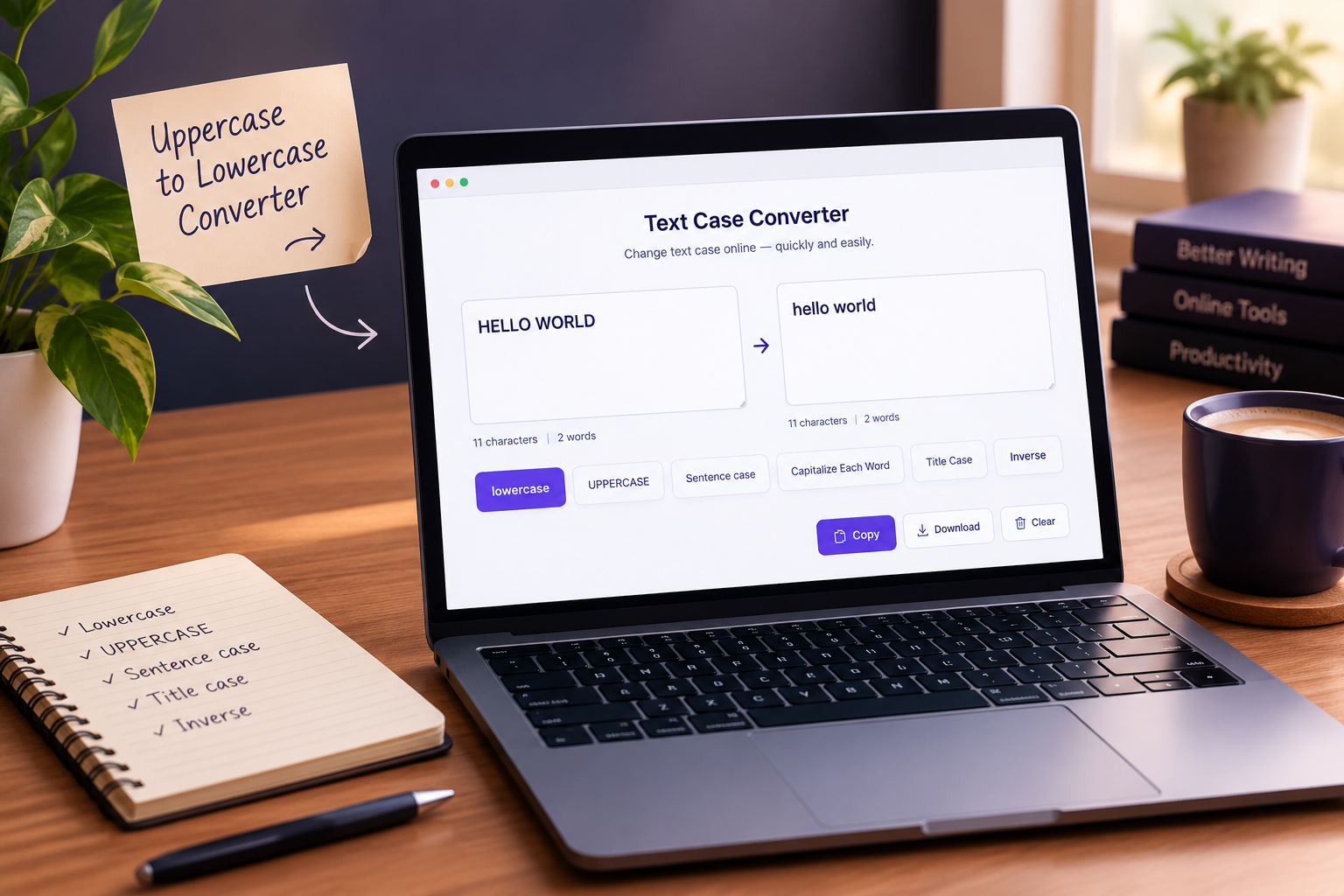
Microsoft Word
Select the text, then use the Change Case button on the Home tab to pick sentence case, lowercase, UPPERCASE, capitalize each word or toggle case. You can also select the text and press Shift+F3 to cycle through the case options.
Google Docs and Google Sheets
In Google Docs, select the text and go to Format > Text > Capitalization to choose lowercase, UPPERCASE or Title Case. Google Sheets has no menu option for this, but it offers the UPPER, LOWER and PROPER functions.
Excel
Excel uses the same three functions. With text in cell A2, type =LOWER(A2) in another cell to convert it to lowercase, =UPPER(A2) for capitals, or =PROPER(A2) to capitalize the first letter of each word. Note that PROPER can mishandle names and acronyms, so check the output.
For Developers: CSS and Code
In CSS, text-transform: uppercase, lowercase or capitalize changes how text is displayed without altering the underlying text. To change the data itself, use string methods such as toUpperCase() and toLowerCase() in JavaScript or upper() and lower() in Python.
Frequently Asked Questions
What does "make capital letter" mean: the first letter or all letters?
It can mean either. To capitalize only the first letter of each sentence, use Sentence case. To capitalize the first letter of every word, use Capitalize Each Word or Title Case. To make every letter a capital, use UPPERCASE.
How do I convert small letters to capital letters?
Paste your text into the converter and click UPPERCASE. Every small letter becomes a capital, and numbers and symbols stay as they are.
Is my text stored or sent to a server?
[Write only what is true of your tool, for example whether conversion happens in the browser or on a server, and whether any text is saved.]
Is there a limit, and do I need an account?
[State the actual character or word limit and whether sign-up is required.]
Does it work with accented letters and other languages?
Basic accented letters usually convert as expected, but some languages have special rules. For instance, German "ß" can become "SS" in uppercase in many systems, and Turkish distinguishes dotted and dotless "i", which can produce wrong results when converted with English rules. [Verify against the Unicode case-mapping documentation and state how your tool behaves.]
Does title case improve click-through rate?
There is no universal evidence that it does. Capitalization style is mostly a matter of consistency and house style. If you want to know what works for your audience, test headlines against each other in your own results.
Is writing in all caps bad?
In short doses, such as labels, acronyms or warnings, all caps is fine. In longer text it is harder to read, and in informal messages it often reads as shouting. [Cite a source for the readability point.]
Can I change case on my phone?
Yes. The converter works in a mobile browser: paste your text, tap a case button and copy the result. [Verify any phone keyboard shortcuts before adding them.]
Convert Your Text Now
For most jobs, the fastest route is the converter at the top of this page: paste, pick lowercase, UPPERCASE or Sentence case, and copy. If you're fixing Caps Lock text, choose Sentence case and then check names and acronyms. Need to count what you've converted? Try our word counter or character counter. [Link only to pages that exist on your site.]